Description
SkyTrak OG Golf Simulator: everything to start, in one package
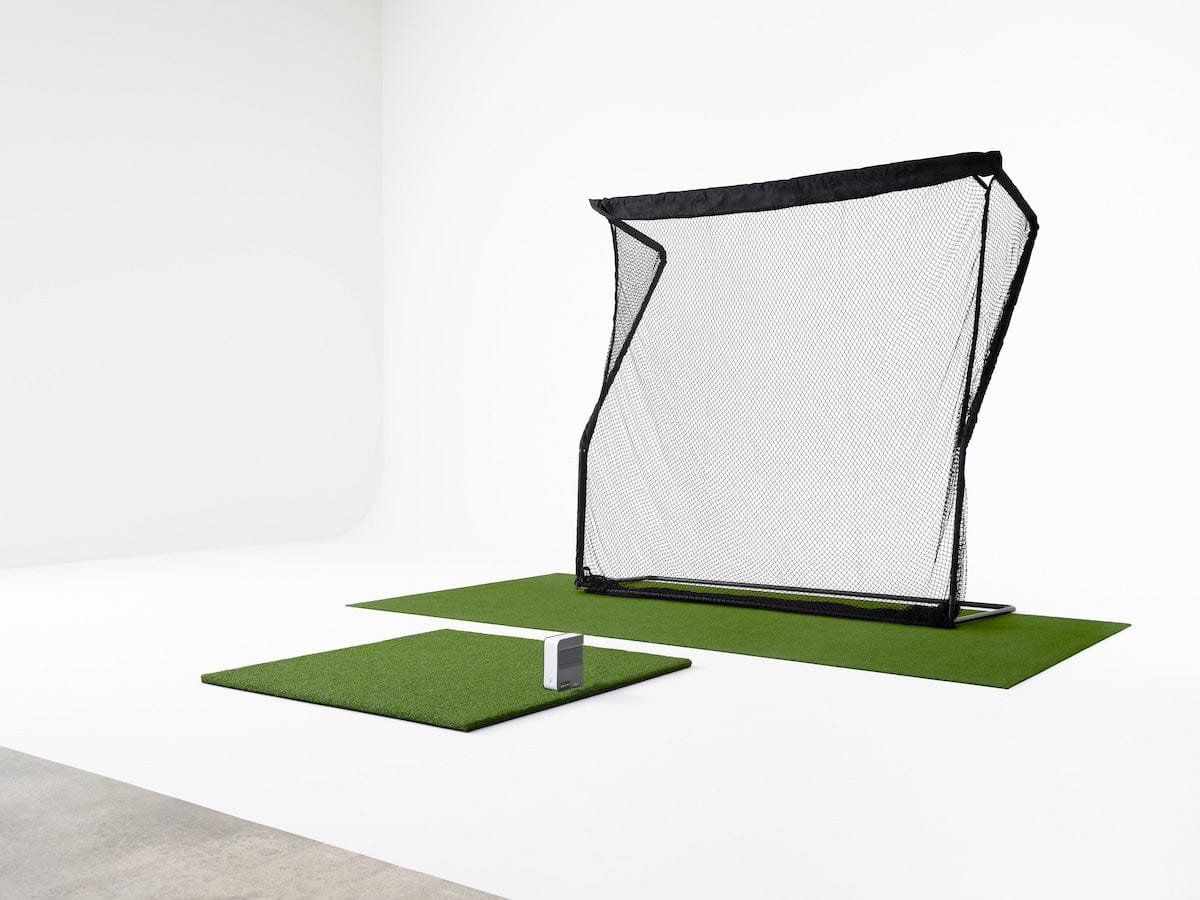
The SkyTrak OG Golf Simulator package is built for golfers who want to start hitting with real data right away, without building a full enclosure. It combines the original SkyTrak launch monitor with an iPad, a quality hitting mat and a practice net, so your first golf simulator session can happen the day it arrives.
What’s included
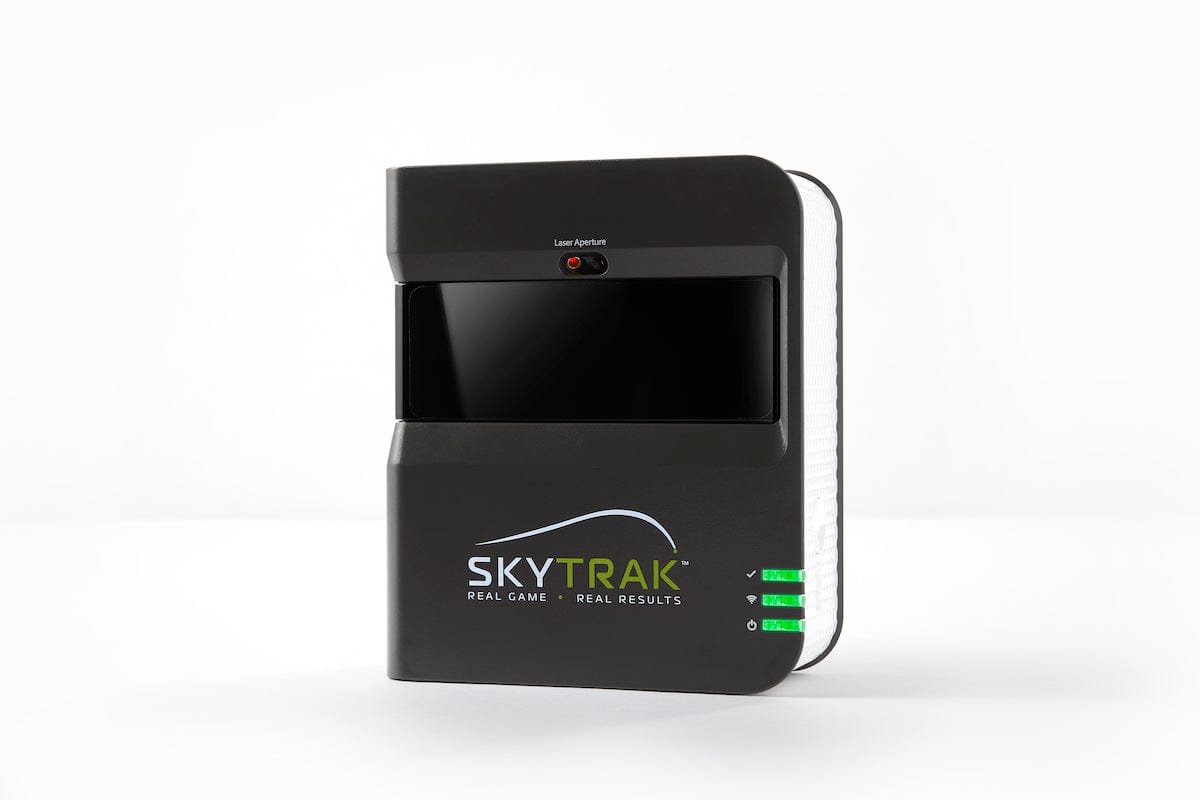
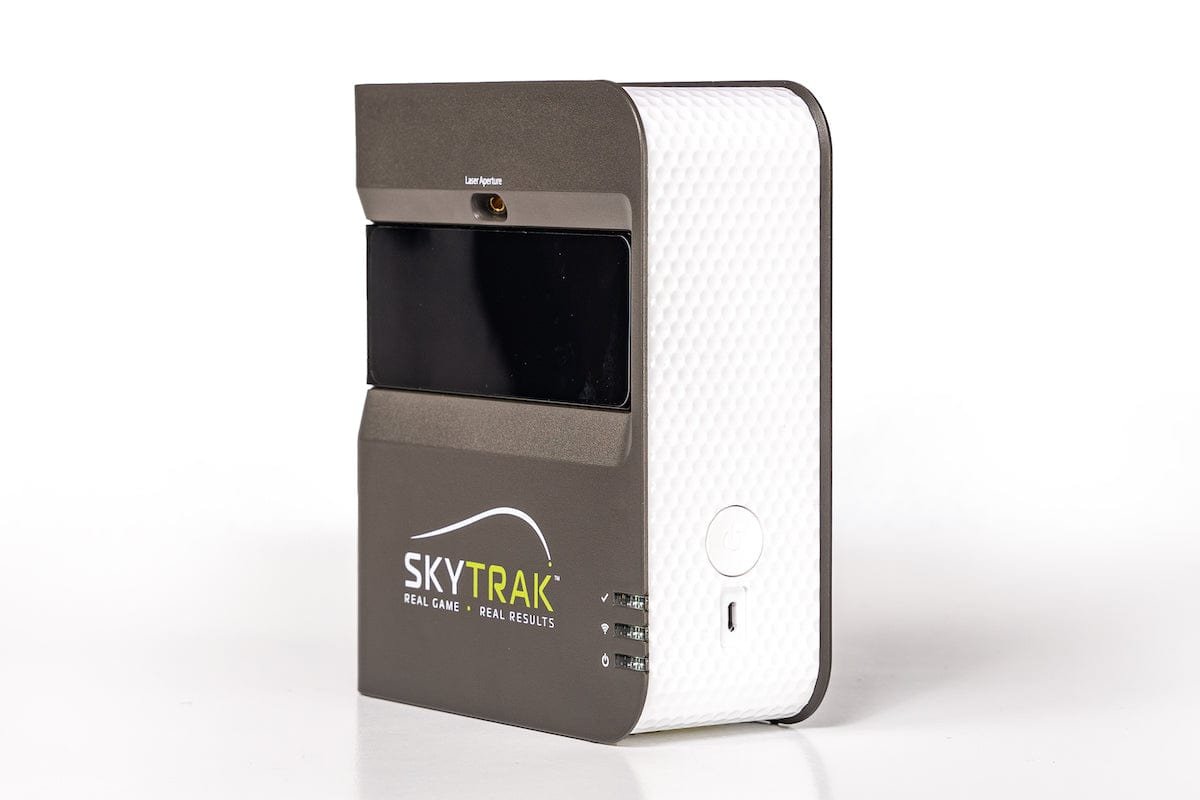
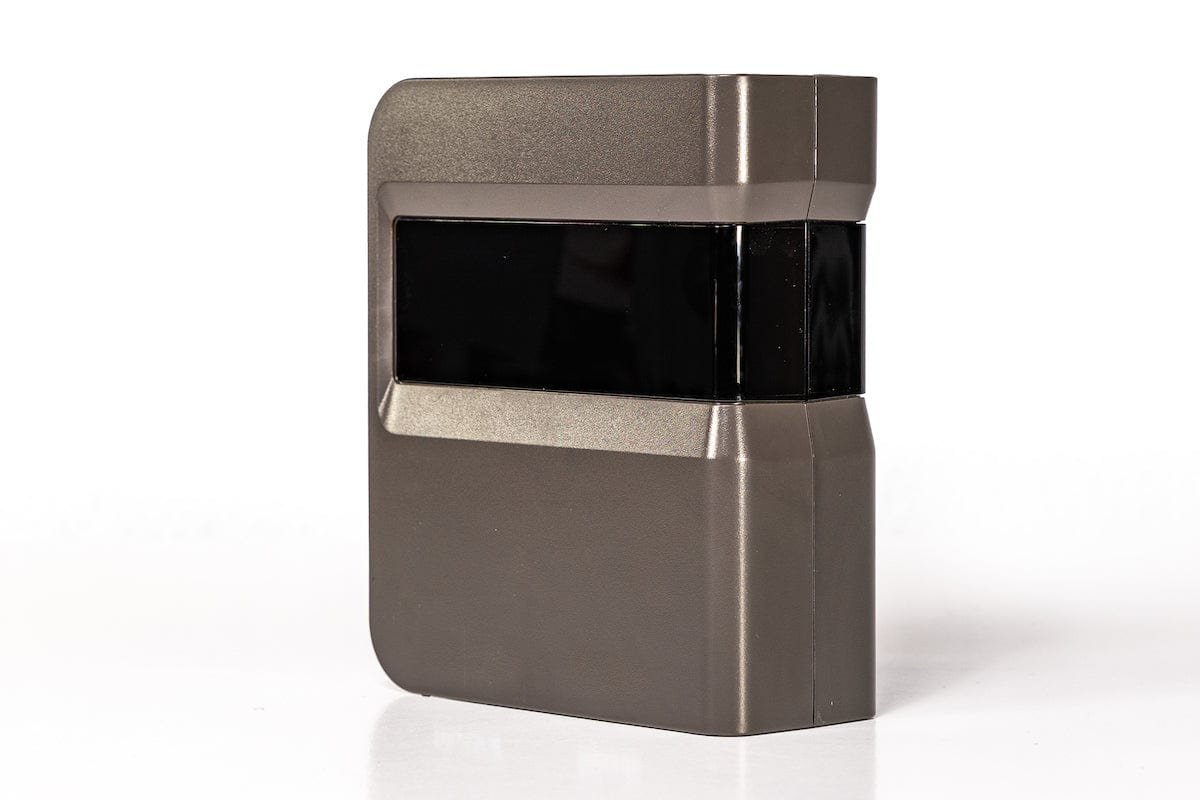
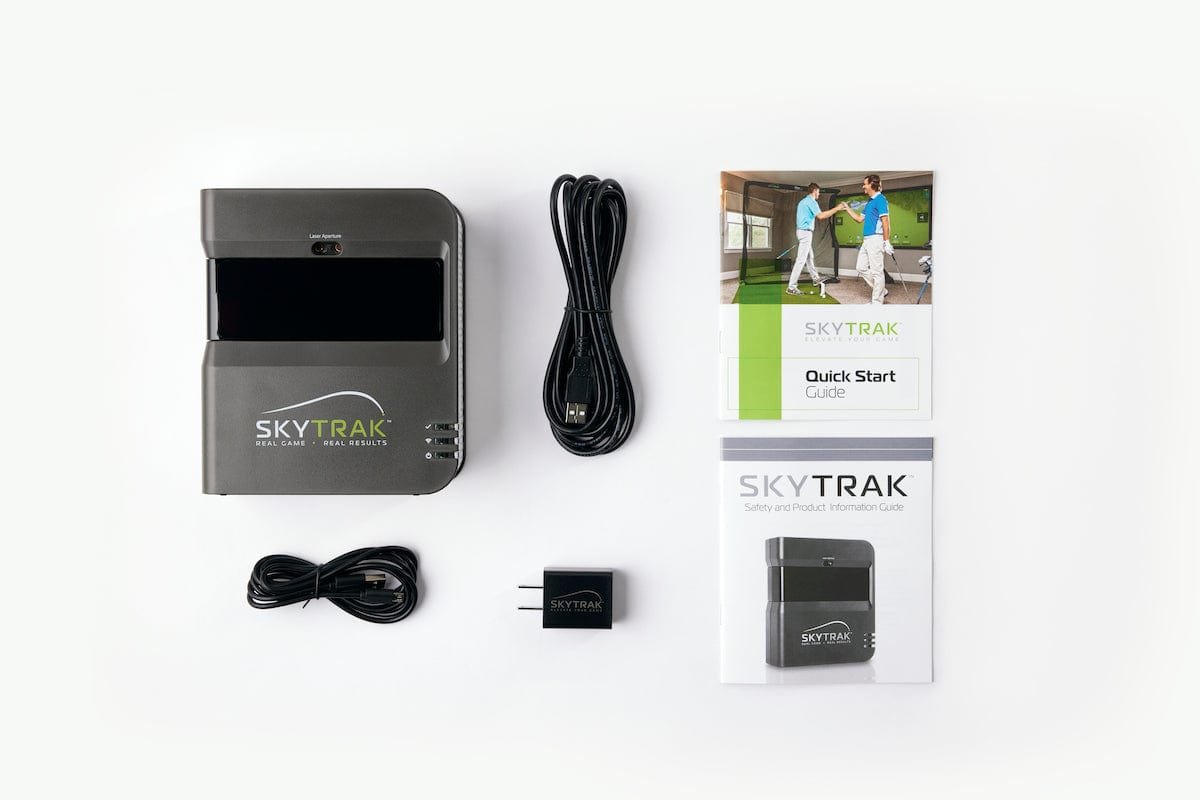
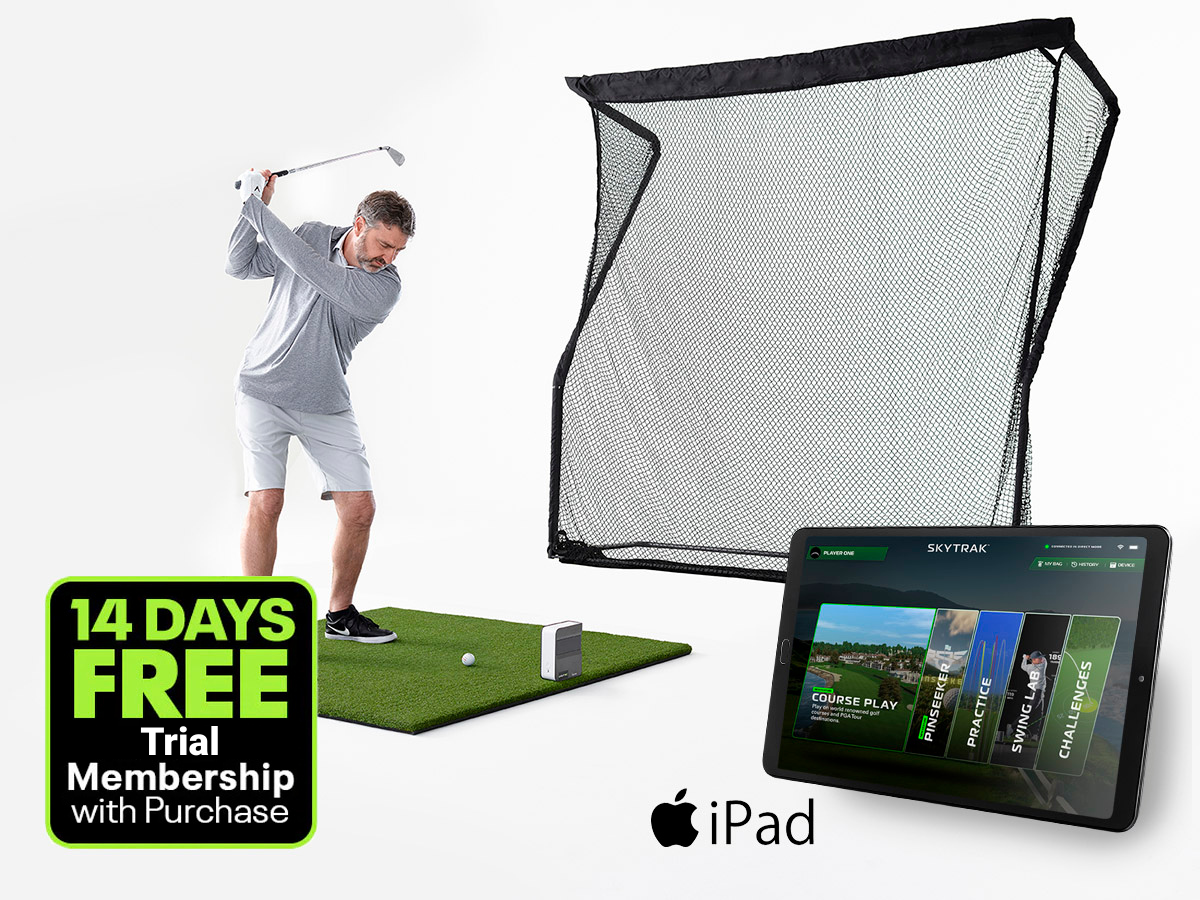
- SkyTrak original launch monitor – instant insights on every shot, with true-to-life simulation.
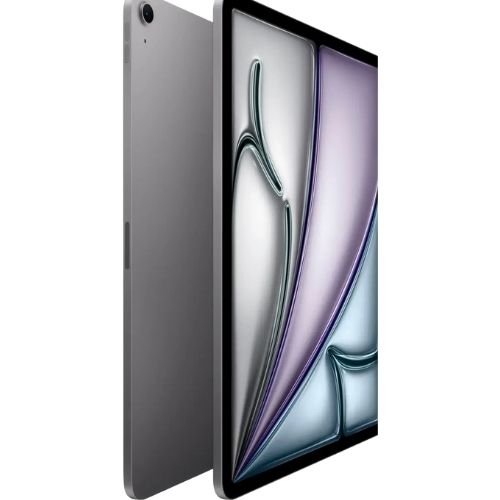
- Apple iPad Air 11″ M3 (128GB) – a fast, bright screen to run the SkyTrak app.
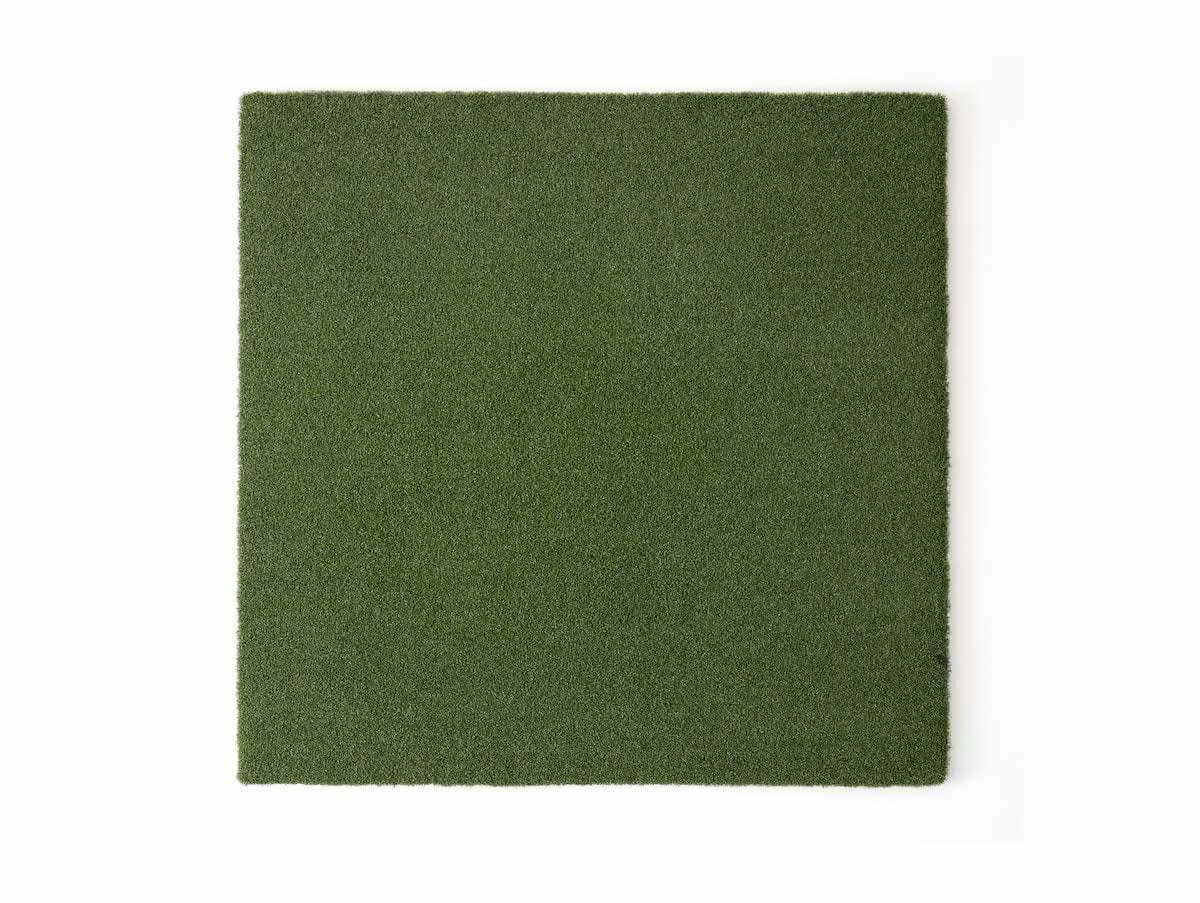
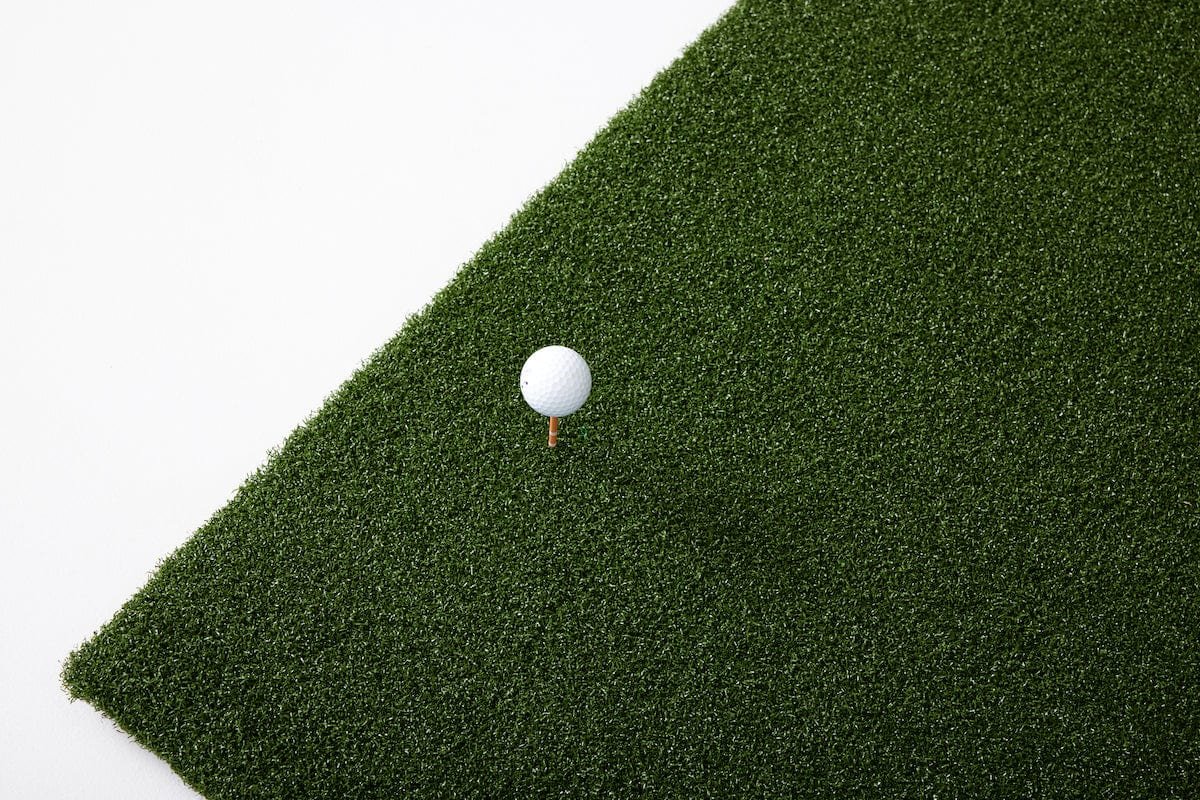
- 5×5 hitting mat – true-turf feel that is cushioned and firm.
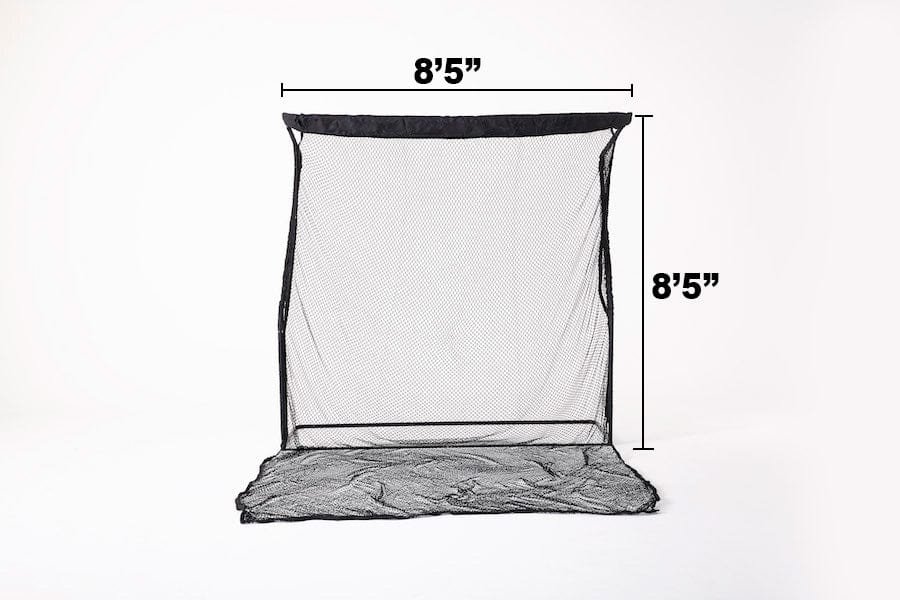
- Golf return net – a durable net that suits beginners and experienced players alike.
- Trial membership – try course play and game-improvement features straight away.
Who it is for
The SkyTrak OG Golf Simulator is ideal for beginners, for golfers who want a flexible setup they can use in the garage or backyard, and for anyone who wants great data without committing to a full studio. It sets up in minutes and packs away when you need the space back.
Upgrade later
When you are ready for a bigger screen experience, add an enclosure, a short-throw projector and putting turf. Or compare our golf simulator packages.
Setting up your SkyTrak OG Golf Simulator
- Choose your spot: a garage, patio or backyard with room to swing freely.
- Set up the net a safe distance in front of the mat.
- Place the launch monitor level and square to your target line.
- Connect the iPad to the SkyTrak app and start hitting.
Protect your launch monitor from mishits with the SkyTrak Metal Protective Case.
SkyTrak OG Golf Simulator FAQ
Can I use it outdoors?
Yes. The net and mat work outdoors – just keep the electronics dry.
Do I need a projector?
No. The included iPad runs the SkyTrak app, so you can see every shot without a projector.
Can I add a membership?
Yes. Add a SkyTrak membership for ongoing course play and practice libraries.
Is this a good gift?
Absolutely – the SkyTrak OG Golf Simulator is a complete, ready-to-use package for any golfer.
How to choose a golf simulator package
Every home golf simulator is built from the same five building blocks. Understanding them makes it easy to compare packages and decide whether the SkyTrak OG Golf Simulator package is right for you.
- Launch monitor. This is the brain of the system. It measures ball speed, launch, spin and – on radar models – club data. The ST MAX is SkyTrak’s flagship; certified pre-owned units cost less.
- Enclosure and impact screen. The enclosure keeps every shot safely contained and gives the projector a clean surface. Depth (8′ to 13′) determines how immersive the picture feels.
- Hitting mat. A good mat protects your joints and gives honest feedback on contact. Cheap mats can hide fat shots and cause wrist pain.
- Projector. Short-throw projectors create a big image from a short distance, which is ideal for home rooms. Brighter projectors cope better with ambient light.
- Software. A SkyTrak membership unlocks course play, practice ranges and game-improvement tools.
Packages save you from mixing and matching parts that may not fit together. If you are unsure which combination suits your space, budget and goals, contact our team – we are happy to help you compare options before you buy.
Why the OG package is different
Instead of an enclosure and projector, the SkyTrak OG Golf Simulator uses an iPad and a return net. That makes it faster to set up, easier to move and far more affordable – a perfect first step into home golf before you decide whether to build a full studio.

Reviews
There are no reviews yet.