Description
Golf Simulator Projector Mount: floor mounting made safe
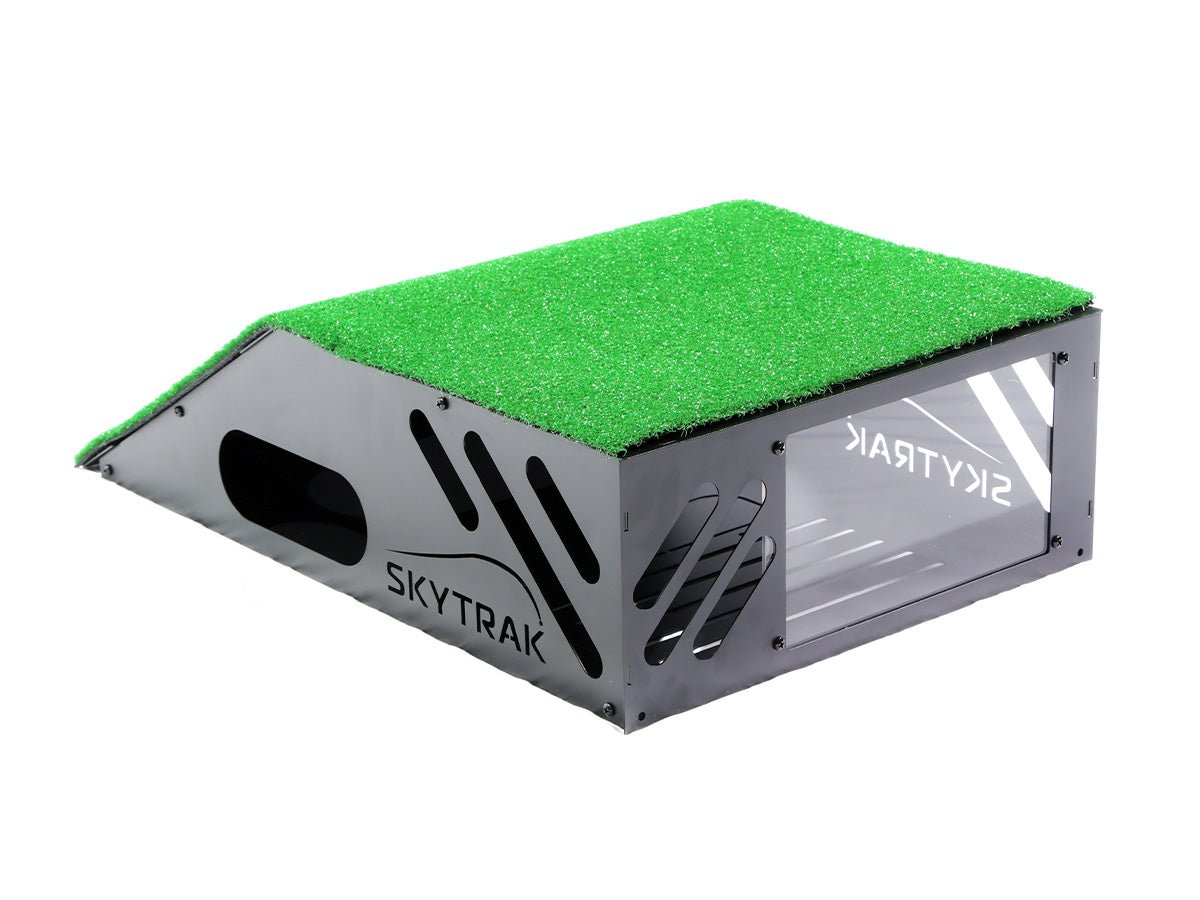
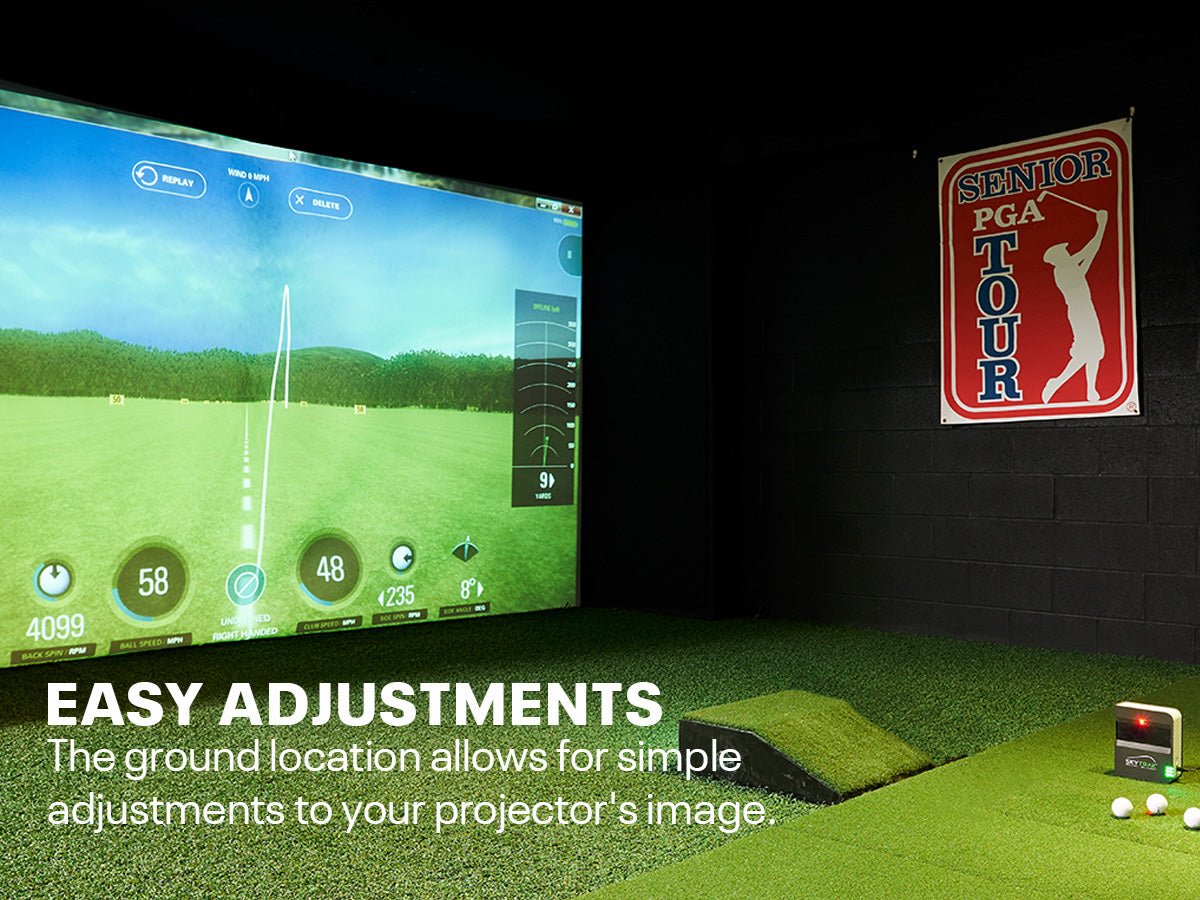
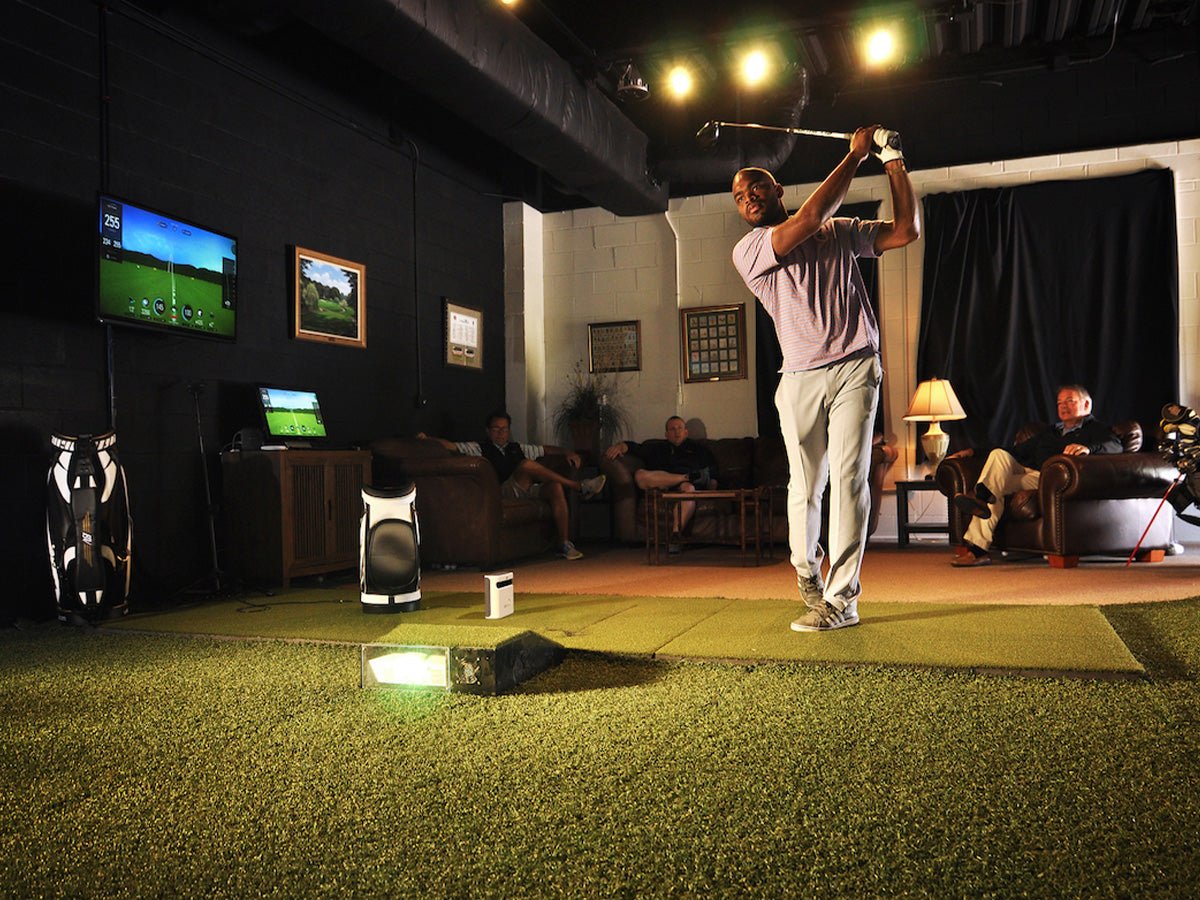
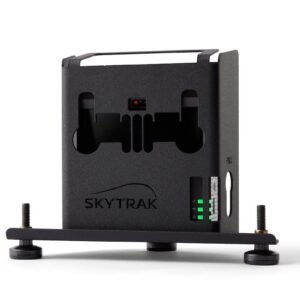
This Golf Simulator Projector Mount lets you place your projector on the floor in front of the hitting area instead of mounting it on the ceiling. You avoid ladders and drilling, you can adjust the projector easily, and a rugged steel shell keeps it safe from mishits.
Features
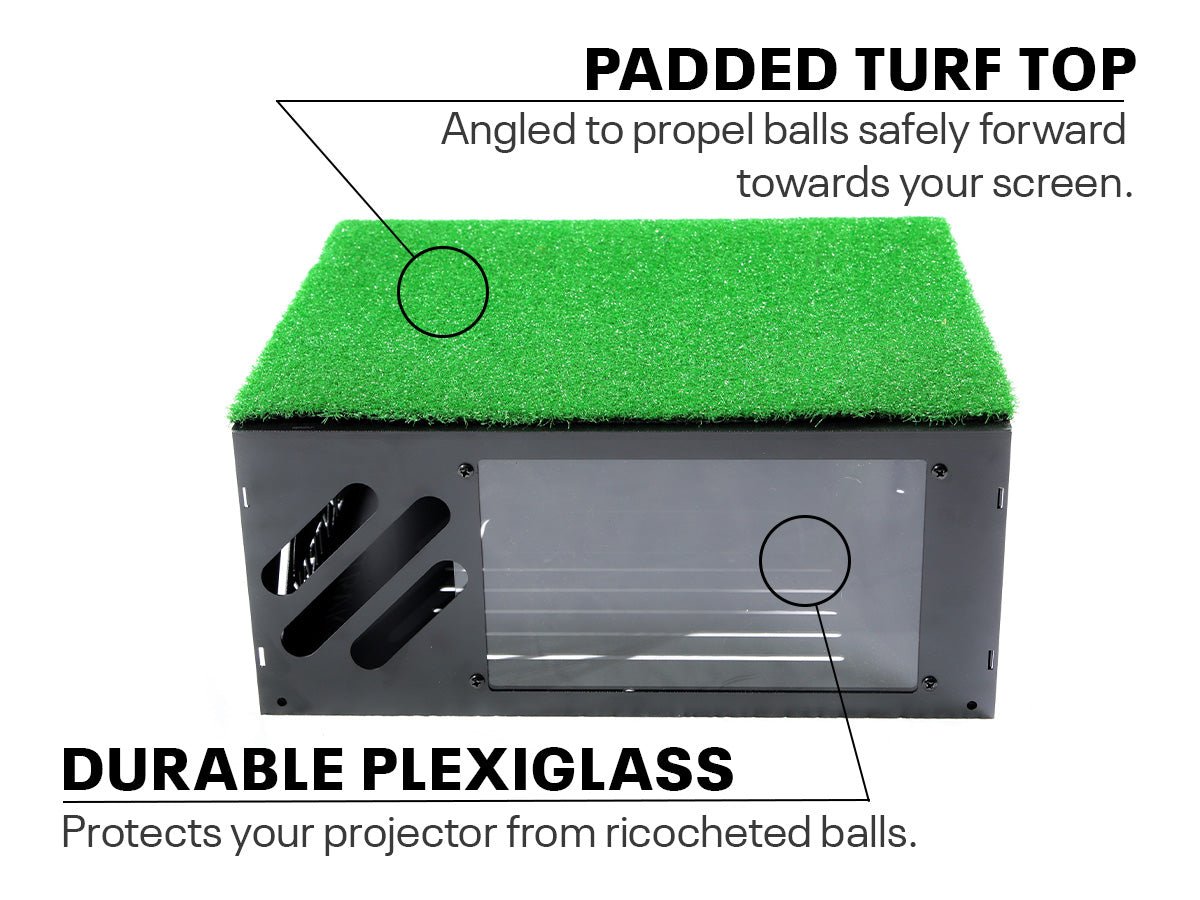
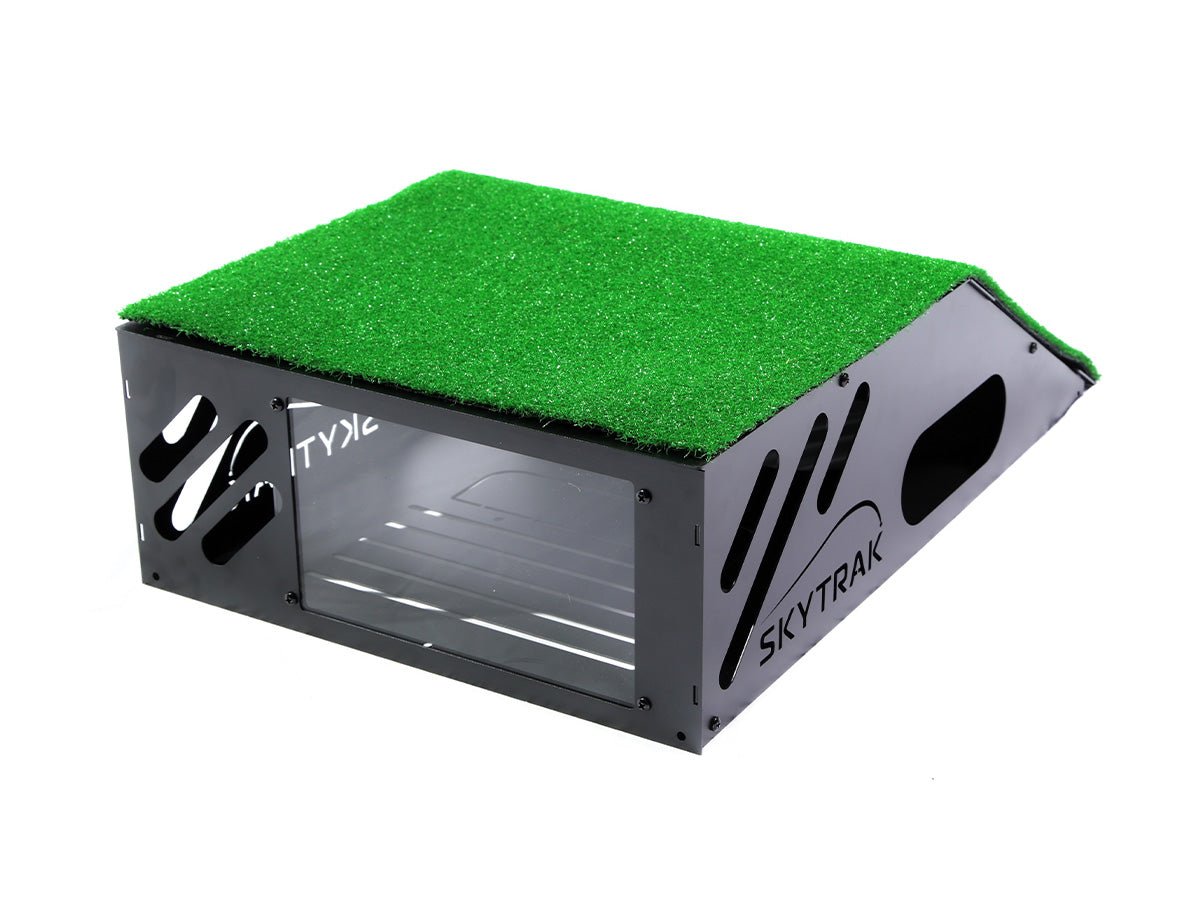
- Protects your projector from errant shots and ricochets.
- Clear front window – guards the lens without blocking the image.
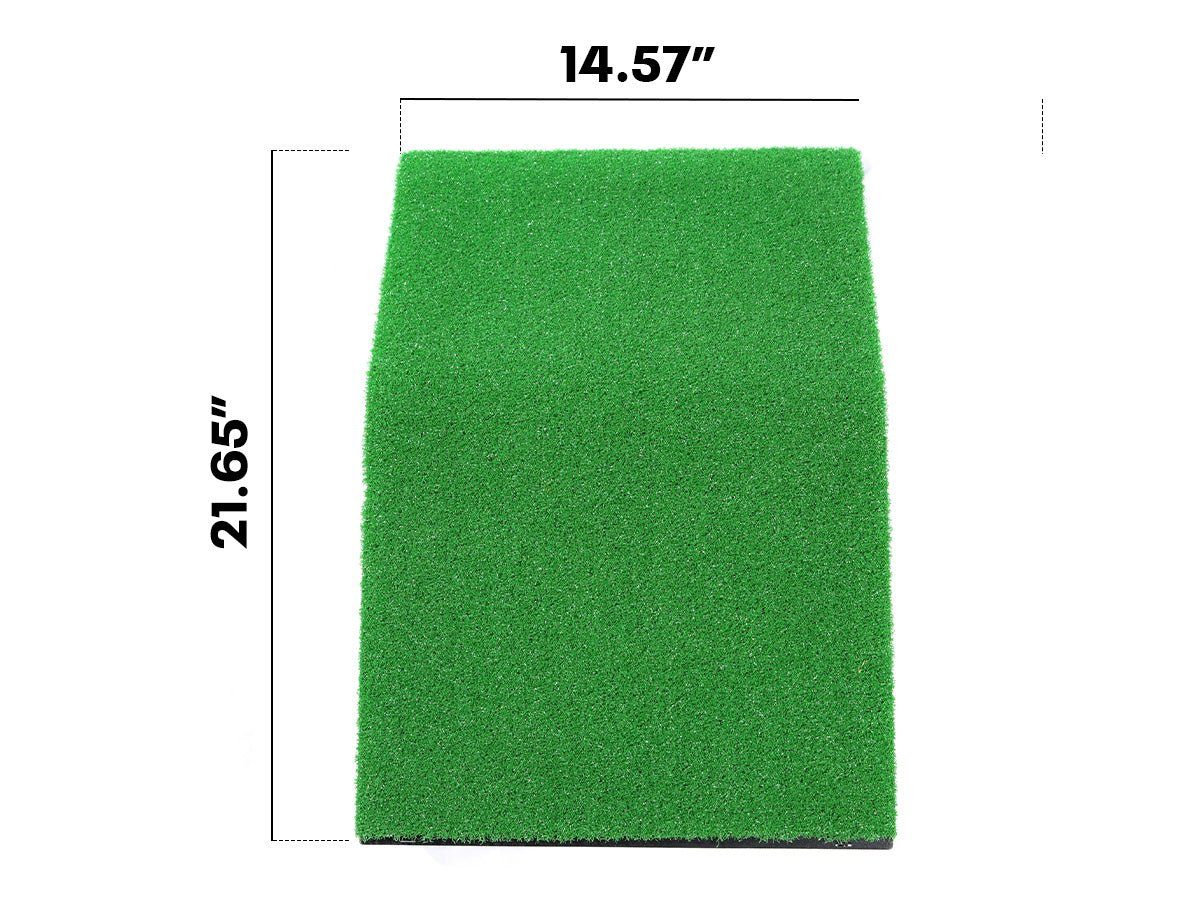
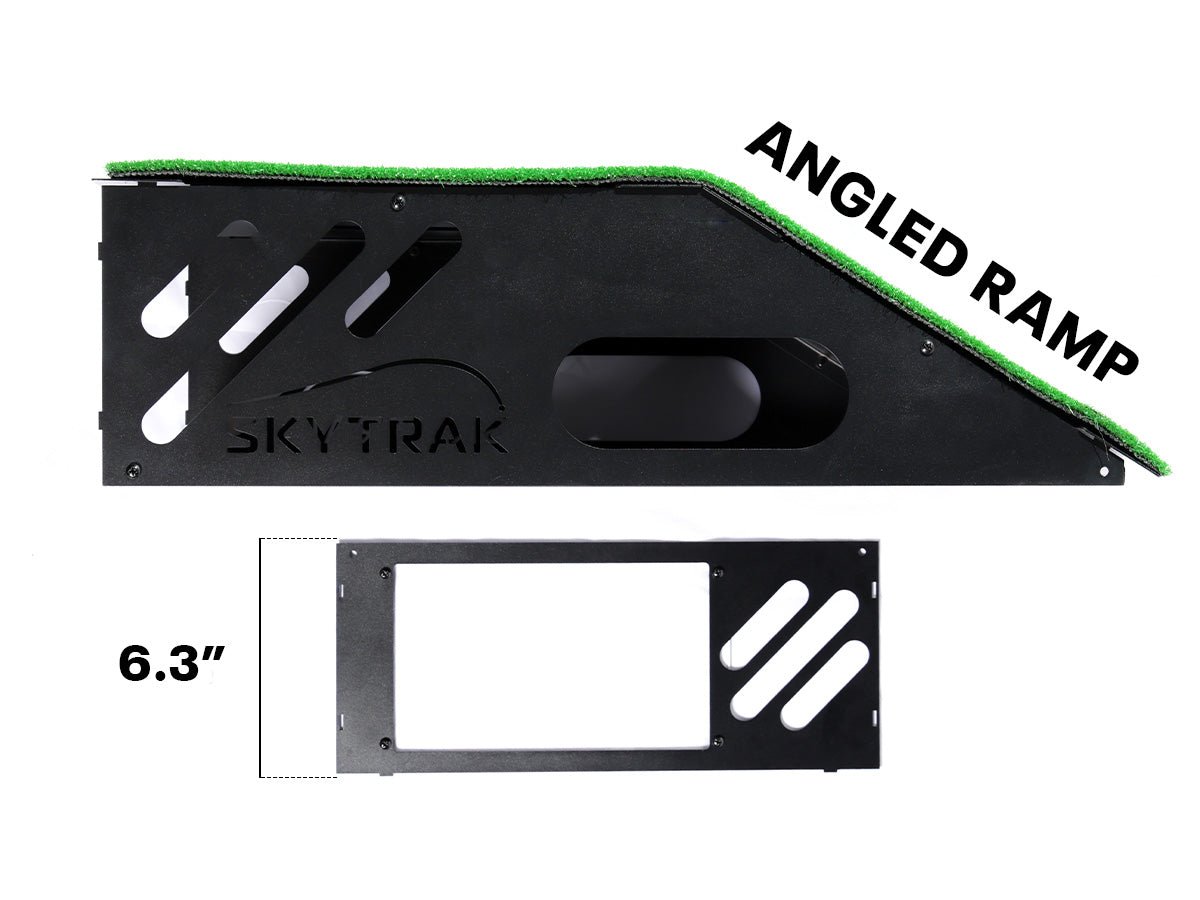
- Angled turf top panel – guides shots forward toward the screen.
- Full steel frame – superior durability.
- Easy assembly and adjustment – reposition your projector whenever you need to.
When to choose a floor mount
A floor mount is ideal for rooms with low ceilings, rentals where you cannot drill, and compact 8′ studios. It pairs best with a short-throw projector placed in front of the hitting area. It is included with 8′ versions of our golf simulator packages.
Floor mount vs ceiling mount
Floor mount: no drilling, easy to adjust, ideal for low ceilings and smaller rooms. The protective shell keeps the projector safe.
Ceiling mount: keeps the floor clear and suits deeper studios with enough overhead space. Installation takes longer and adjusting the projector means climbing a ladder.
Most golfers with an 8′ studio or a basement with limited headroom find the floor option simpler. If you are not sure which to choose, send us your room measurements and we will help.
Golf Simulator Projector Mount FAQ
Which projectors fit?
It suits typical short-throw simulator projectors. Contact us with your model to confirm.
Will the window affect image quality?
The clear window is designed to protect the lens while letting the image through.
Can I use it with any enclosure?
Yes, as long as there is room in front of the hitting area. It works well with the SkyTrak golf simulator enclosure.
Why buy the Golf Simulator Projector Mount from us
skytrakgolfstore.com is an independent, authorized SkyTrak retailer focused entirely on home golf simulators and practice equipment. That focus means we can give you straight answers about what will work in your space.
- Genuine products – everything we sell is authentic, new or certified pre-owned as described.
- Real advice – tell us your room size, budget and goals and we will help you choose the right setup.
- Matched components – we will check that your launch monitor, enclosure, mat and accessories work together.
- Support after you buy – questions about setup or upgrades? Our team is a message away.
Have a question about the Golf Simulator Projector Mount? Contact us before you order and we will be happy to help.
Complete home golf simulator checklist
The Golf Simulator Projector Mount is one piece of the puzzle. Use this checklist to make sure your home setup has everything it needs:
- Launch monitor – measures every shot. Compare models on our SkyTrak launch monitors page.
- Protection – a fitted case keeps the launch monitor safe from mishits.
- Hitting area – a net or an enclosure with an impact screen.
- Hitting mat – a quality golf hitting mat protects your joints and gives honest feedback.
- Display – a tablet, TV or short-throw projector to see your shots.
- Software – a SkyTrak membership for courses and practice tools.
- Finishing touches – putting turf, a ball tray, acoustic tiles and storage.
Prefer everything in one order? Our golf simulator packages bundle the essentials so they are guaranteed to work together.

Reviews
There are no reviews yet.